
 Chat with us on WhatsApp

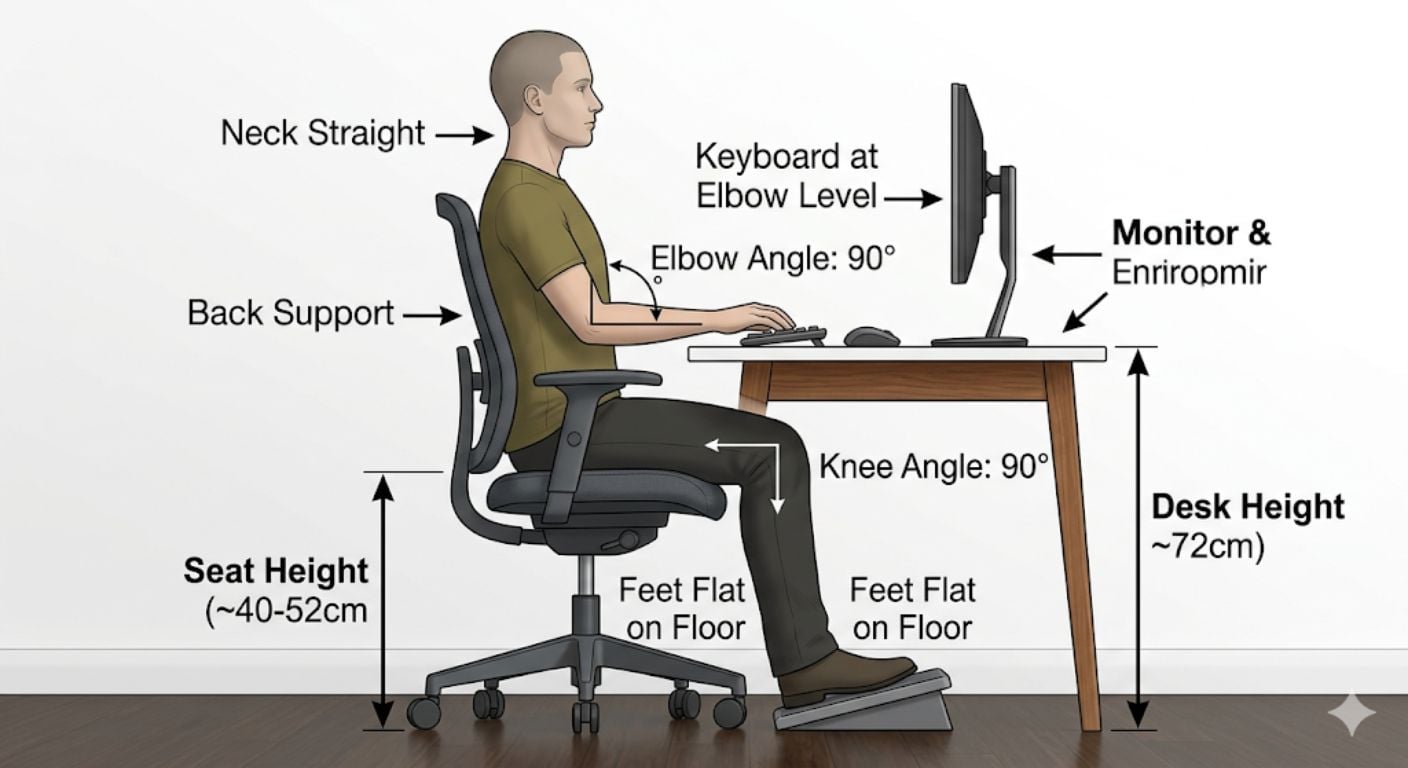
How to Set Chair Height Properly: Desk Height & Elbow Angle
Setting chair height correctly is the starting point for any desk setup. If the height is wrong, everything else compensates — shoulders lift, wrists bend, feet lose contact with the floor. Over time, this leads to discomfort and reduced focus.
This guide focuses specifically on how to set chair height in relation to your desk and elbow angle. It does not cover full setup, but instead breaks down the exact measurements and checks that determine whether your chair height is correct.
What is the correct chair height for a desk?
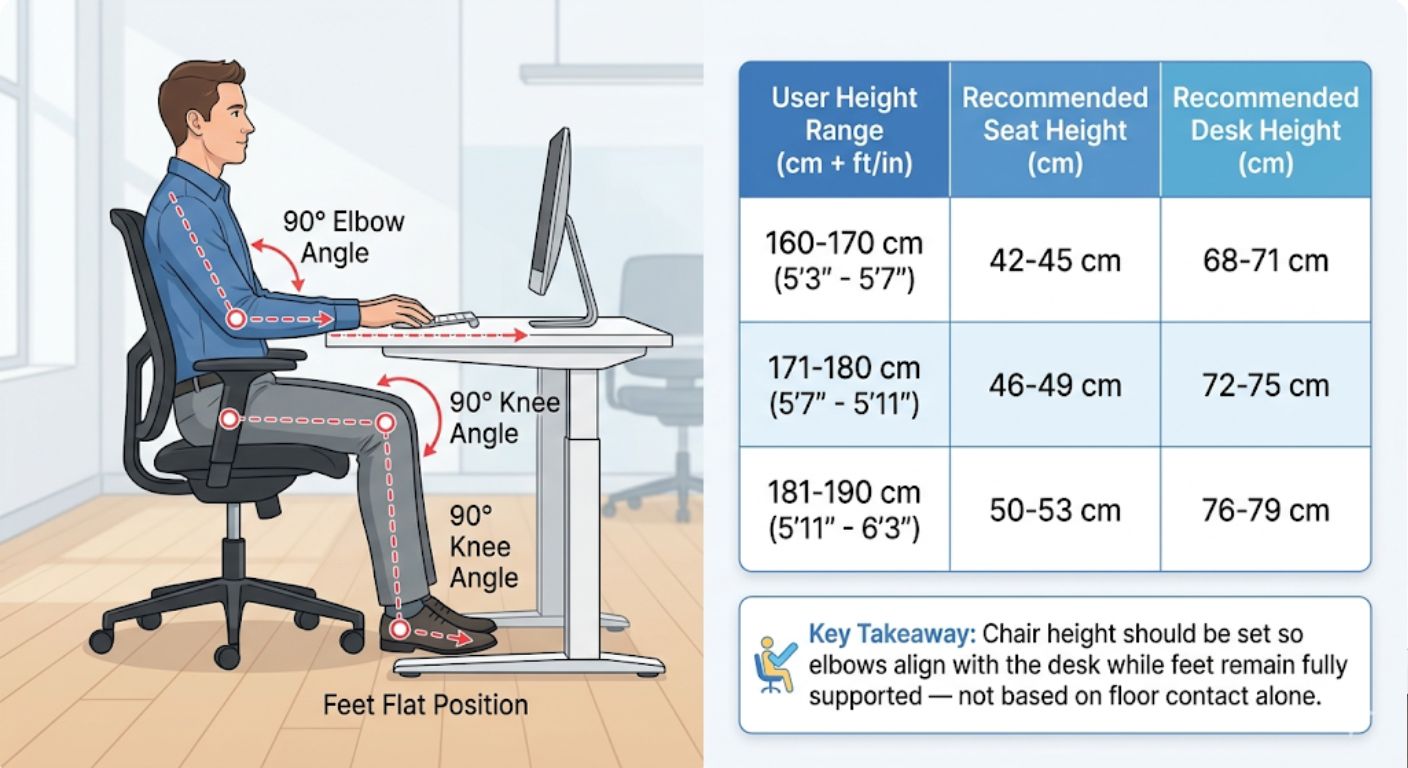
The correct chair height allows your elbows to sit level with your desk while your feet remain flat on the floor. This typically creates a 90-degree angle at both the elbows and knees.
In practical terms:
- Elbows: level with the desk surface or 1–2 cm above
- Forearms: parallel to the floor
- Knees: roughly level with hips or slightly lower
- Feet: flat and fully supported on the floor
This alignment keeps your body in a neutral position, reducing strain through the shoulders, wrists, and lower back.
The 90-degree rule: what actually matters
Most guidance refers to “90-degree angles”, but the key point is alignment, not exact measurement.
You’re aiming for:
- Elbows at around 90 degrees so your arms do not lift or drop when typing
- Knees at around 90 degrees to avoid pressure under the thighs
- Wrists neutral, not bent up or down
If one of these is off, the others compensate. For example:
- Chair too low: elbows drop below desk, shoulders hunch
- Chair too high: feet lift, pressure builds under thighs
The goal is balance across all three contact points: feet, seat, and desk.
How to adjust chair height
- Start with the chair
Stand in front of the chair and set the seat height just below your kneecap. This gives a baseline before sitting. - Sit fully back
Sit with your back against the backrest, not perched on the edge. This ensures the height is set relative to your actual sitting posture. - Adjust to elbow height
Raise or lower the chair so your elbows align with the desk surface.- If elbows sit below the desk, raise the chair
- If elbows sit above the desk, lower the chair
- Check your feet
After setting elbow height:- Feet should be flat on the floor
- Thighs should feel supported, not compressed
What if your desk is too high?
Raise the chair until your elbows align with the desk, then use a footrest to support your feet.
This is the most common real-world scenario, especially with fixed-height desks or dining tables used as workspaces.
Practical fixes:
- Use a dedicated footrest
- Use a stable object such as books or a box if needed
- Avoid letting your feet hang, as this increases pressure under the thighs and reduces circulation
Do not lower the chair just to reach the floor. That creates a worse problem at elbow level.
What if your desk is too low?
Lower the chair until elbows align, but check that:
- Knees are not pushed too high
- Thighs are not compressed against the desk underside
If the desk is significantly too low:
- Raise the desk if possible
- Add a desk riser
- Avoid forcing a low position, as it leads to rounded shoulders and wrist strain
Chair height vs desk height: standard ranges
For most setups, standard desk height falls within a narrow range:
- Desk height: 70–76 cm
- Typical seat height range: 40–52 cm
These are averages, not targets. The correct height depends on your body proportions.
As a rough guide:
| User Height | Seat Height | Desk Height |
|---|---|---|
| 5'0"–5'4" (152–163 cm) | 40–44 cm | 68–72 cm |
| 5'5"–5'9" (165–175 cm) | 43–48 cm | 70–74 cm |
| 5'10"–6'2" (178–188 cm) | 46–52 cm | 72–76 cm |
If your setup falls outside this relationship, you will need to adjust either the chair, desk, or both.
Signs your chair height is set incorrectly
Most issues show up after a few hours, not immediately.
Common signs include:
- Shoulders lifting while typing
- Wrists bending upwards or downwards
- Feet not fully touching the floor
- Pressure behind the knees
- Lower back discomfort building during the day
If you notice any of these, recheck elbow height first, as it is usually the root issue.
Seat depth check
Chair height only works properly if seat depth is also correct.
You should be able to fit 2–4 fingers between the front edge of the seat and the back of your knees.
If the seat is too deep:
- You may sit forward and lose back support
- Height adjustments become less effective
If the seat is too shallow:
- Weight distribution becomes uneven
- Pressure shifts to the hips
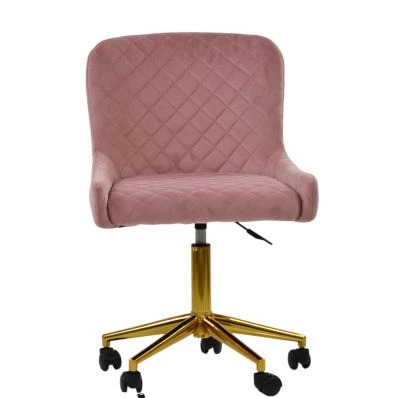
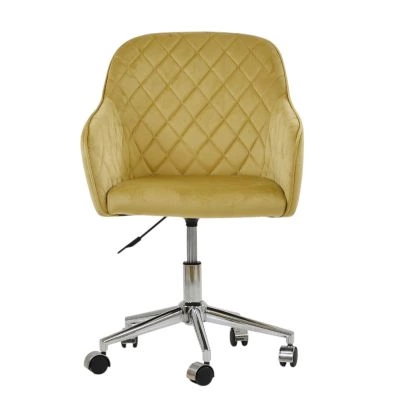
This is why adjustability matters when choosing from office chairs.
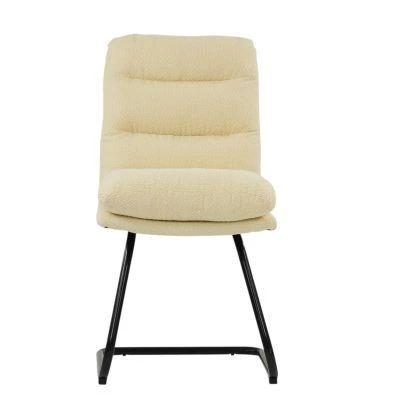
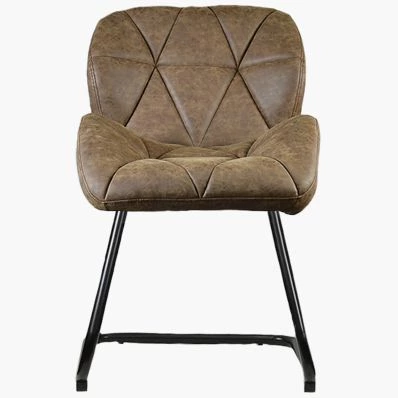
Making a kitchen chair or dining chair work
Many home setups use non-adjustable chairs. You can still correct height with simple changes.
Adjust the chair height indirectly:
- Add a firm cushion to raise sitting height
- Use a footrest if feet no longer reach the floor
- Raise the screen height using books or a stand
The goal remains the same: elbows level with the desk, feet supported.
Avoid soft cushions that compress, as they change height throughout the day and reduce stability.
Practical application: when this matters most
Correct chair height matters most if:
- You work at a desk for several hours daily
- You use a fixed-height desk or dining table
- You switch between different chairs regularly
It matters less if:
- Usage is occasional or short-term
- You are not typing for extended periods
For regular desk use, chair height is not a preference. It is a structural requirement. Small misalignments repeated daily lead to consistent discomfort.
For a full breakdown of how height fits into the wider setup, see our huide: how to adjust office chair posture correctly.
Frequently asked questions
What is the correct desk height for my height?
For most people, desk height falls between 70–76 cm. The correct height is where your forearms sit level with the desk when your elbows are bent at roughly 90 degrees and your feet are flat on the floor.
How do I adjust a chair if my desk is too high?
Raise the chair until your elbows align with the desk, then add a footrest so your feet remain supported. Do not lower the chair just to reach the floor, as this creates poor arm positioning.
Should my feet be flat on the floor?
Yes. Your feet should be fully supported. If they do not reach the floor after adjusting for desk height, use a footrest to maintain stability and reduce pressure under the thighs.
How many fingers should be between the chair and my knees?
You should have a gap of 2–4 fingers between the front edge of the seat and the back of your knees. This prevents pressure build-up and allows proper circulation.
Closing
Chair height is the anchor point of your desk setup. If it is correct, posture follows more naturally. If it is wrong, every other adjustment becomes a workaround.
Focus on elbow alignment first, then ensure your feet and legs are properly supported. This one adjustment resolves most common setup issues.
For a complete setup framework, refer to the main office chair posture guide, or browse the full office chair range to find models with the adjustment range needed for your setup.


Comments