
 Chat with us on WhatsApp

Back Support Explained: Lumbar, Tilt & Seat Depth Simplified
Back support in an office chair is not a single feature. It comes from how lumbar support, seat depth and backrest movement work together. When those three elements are aligned, the chair supports your spine without forcing you into a rigid sitting position.
That matters when comparing office chairs. Many products mention “lumbar support” or “ergonomic design”, but the real difference comes from how adjustable those features are and whether they suit your body. This guide explains what each element does, how they interact, and what to look for when choosing from our office chair range.
What is lumbar support in an office chair?
Lumbar support is the part of the chair that supports the natural inward curve of your lower spine. It sits in the small of your back and helps maintain a more neutral seated position, rather than allowing the lower back to flatten against the backrest.
Without proper lower back support, the pelvis tends to roll backwards. That usually leads to slumping, extra strain through the spine, and more fatigue over time.
Where should lumbar support sit?
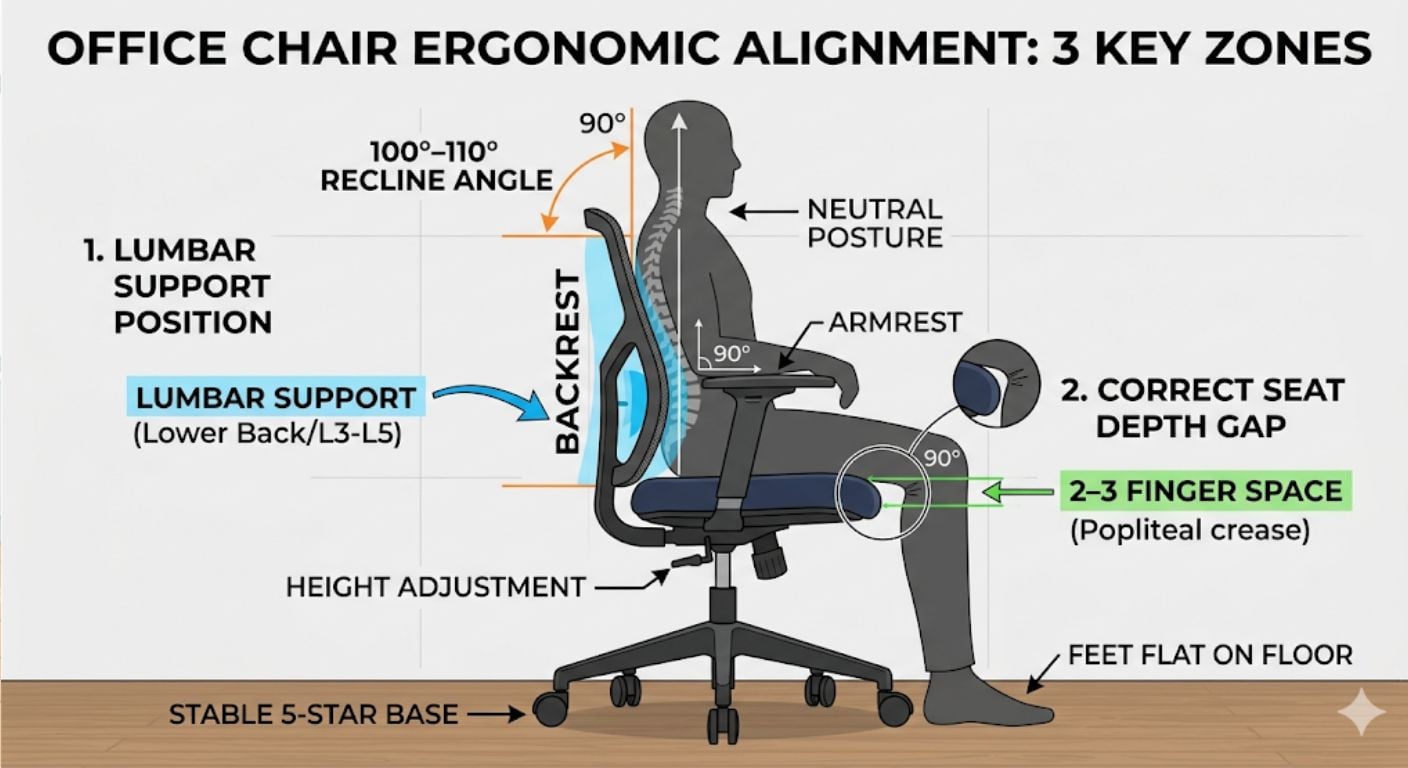
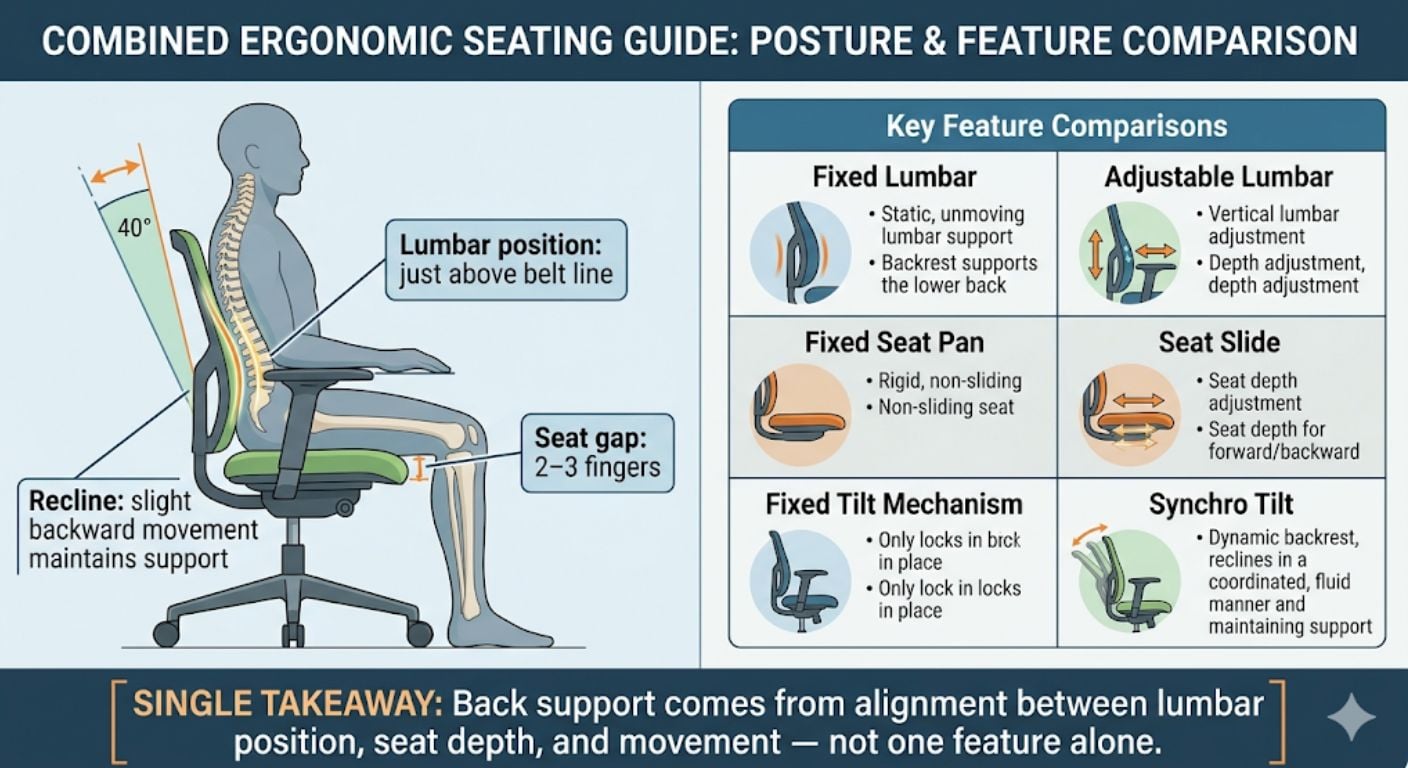
Lumbar support should sit just above your belt line, in the curve of your lower back. If it feels like it is pressing into the mid-back or sitting too low near the hips, it is in the wrong position.
Correct placement should:
- Fill the curve of the lower back without pushing too aggressively
- Stay in contact as you lean back slightly
- Feel supportive rather than intrusive
Fixed vs adjustable lumbar support
Some office chairs have fixed lumbar built into the shape of the backrest. Others allow you to adjust the lumbar support up, down, in or out. The difference is practical.
- Fixed lumbar support: simpler and usually lower cost, but only works well if the chair naturally matches your body shape
- Adjustable lumbar support: gives more control and suits a wider range of heights and body proportions
- External cushions: sometimes used to improve lower back contact on chairs that do not have built-in support
For most buyers, adjustable lumbar support is the safer option because it gives more flexibility if the fit is not exact.
Why seat depth affects back support
Seat depth controls how far back you can sit while still using the backrest properly. If the seat is too deep or too shallow, the lumbar support will not work as intended.
How much space should be between the seat and your knees?
You should usually have a gap of around 2–3 fingers between the front edge of the seat and the back of your knees. Some people use the clenched fist rule as a rough guide to the same spacing.
This small gap matters because it lets you sit fully back into the chair without pressure behind the knees.
- If the seat is too deep: you may perch forward instead of using the backrest, which makes the lumbar support ineffective
- If the seat is too shallow: there is less support through the thighs, which can shift more load onto the lower back
Seat depth adjustment vs fixed seat depth
Some office chairs include a seat slide, which lets you move the seat base forward or backwards. That is useful if you are shorter or taller than average, or if more than one person uses the same chair.
Fixed seat depth is more straightforward, but it relies on the chair matching your proportions closely. That is one reason why two chairs can look similar on paper but feel very different in use.
How backrest tilt supports your spine
Good back support is not only about sitting upright. A chair should also support you when you change position. Controlled recline reduces pressure on the lower back and helps prevent a static sitting posture.
What does a reclining backrest actually do?
A reclining backrest allows you to lean back slightly while maintaining contact with the chair. That helps spread your weight more evenly and reduces the constant load placed on the lower spine.
In day-to-day use, this means:
- less pressure through the lower back
- more movement during longer sitting periods
- better support as your posture changes through the day
Common backrest movement types
| Mechanism | How it moves | What it means in use |
|---|---|---|
| Fixed back | No recline movement | Stable, but can feel rigid over time |
| Basic recline | Backrest moves back | Adds movement, but may feel less balanced |
| Synchro-style recline | Seat and back move together | Keeps support more consistent as you lean back |
Chairs with more balanced recline usually keep the body better supported throughout movement. For a wider buying framework, see our guide on what to look for in an ergonomic office chair.
How lumbar support, seat depth and tilt work together
These features should not be judged in isolation. Back support comes from the way they interact.
- Lumbar support supports the curve of the lower back
- Seat depth determines whether you can sit fully back into that support
- Backrest movement helps keep that support consistent as your posture changes
If one part is wrong, the overall support breaks down. For example:
- good lumbar support with excessive seat depth often means you cannot reach the backrest properly
- correct seat depth with no movement can feel overly static during long sitting periods
- recline without good lower back contact can cause support to drop away as you lean back
This is why “ergonomic” should not be treated as a single feature. It is the combined effect of fit, adjustment and movement.
Common mistakes that reduce back support
Even a well-designed chair can feel uncomfortable if it is not set up or used properly. The most common problems are straightforward.
- Sitting too far forward: removes contact with the backrest and makes the lower back work harder
- Ignoring seat depth: one of the most common reasons a chair feels unsupportive
- Lumbar positioned too high or too low: creates pressure in the wrong part of the back
- Staying in one position too long: even a supportive chair cannot fully compensate for no movement
If a chair feels uncomfortable, it is worth checking these basics before assuming the chair itself is the problem.
What to prioritise when buying an office chair for back support
When comparing chairs, focus less on generic ergonomic claims and more on the specific features that affect fit and support.
Features worth prioritising
- adjustable lumbar support or a clearly shaped lower back section
- suitable seat depth, or a seat slide if sizing flexibility matters
- a backrest with controlled recline rather than a fully rigid upright position
When a simpler chair may still be enough
- shorter sitting periods
- users with average body proportions who fit standard chair dimensions well
- buyers who prefer a more upright and stable seating position
When more adjustment matters more
- longer working hours
- shared workspaces where more than one person uses the chair
- buyers who have struggled before with chairs feeling too deep, too flat or poorly matched
For other office chair comparisons, you may also find these guides useful: Adjustable vs Fixed Height Office Chairs, and Swivel vs Fixed Office Chairs.
Frequently asked questions
Why does my back hurt in an ergonomic chair?
Back discomfort often comes from setup rather than the label on the chair. The most common causes are sitting too far forward, incorrect seat depth, poor lower back positioning or staying static for too long. A chair can only support the posture you actually use.
Is adjustable lumbar support worth it?
In most cases, yes. Adjustable lumbar support gives you more control over where the support sits and how prominent it feels. That makes it easier to match the chair to your height and body shape, especially if fixed backrests often feel too flat or too aggressive.
Can a chair fix poor posture?
No. A chair can support a better seated position, but it does not fix posture by itself. The benefit comes from proper fit, correct adjustment and regular movement through the day, rather than relying on the chair to hold you in one position.
-
-
-
-
-
-
-
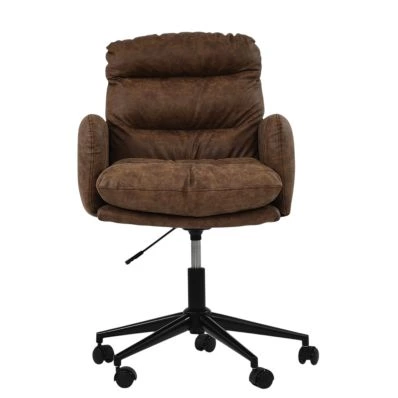
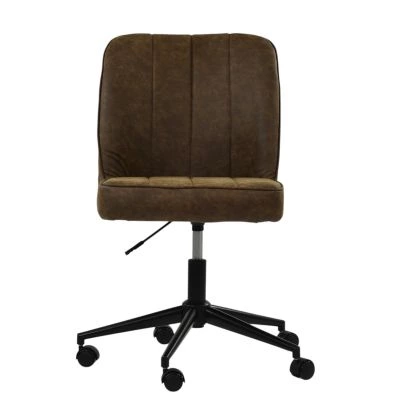
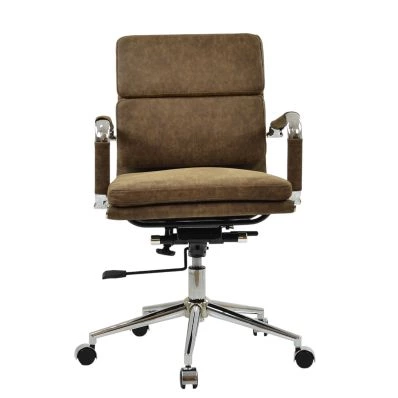 Chester Office Chair in Aged Brown LeatherSpecial Price £129.99 Regular Price £179.99 Original price 28% Inc VATSaving £50
 -
-
-
-
-
Summary
Back support in an office chair comes from more than one feature. Lumbar support, seat depth and backrest movement all affect whether the chair keeps your lower back supported throughout the day.
When comparing models, focus on fit and useful adjustment rather than broad ergonomic claims. For the wider buying framework, read our guide to buying an ergonomic office chair, or browse our full office chairs category to compare available options.

Related Products
-
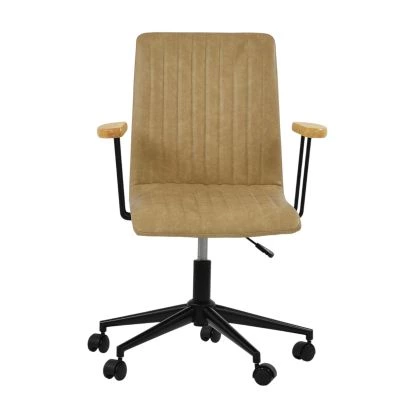 Folix Office Chair in Aged Cream LeatherSpecial Price £89.99 Regular Price £139.99 Original price 36% Inc VATSaving £50
 -

Comments